Flower Patterns
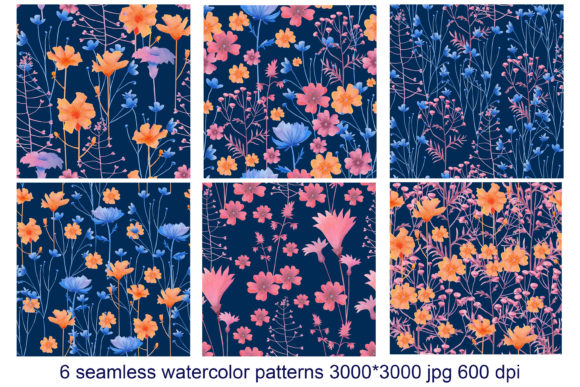
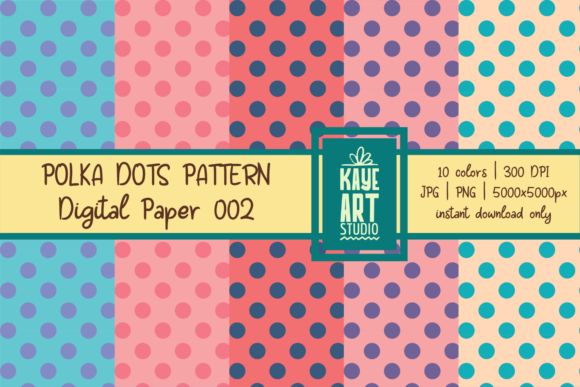
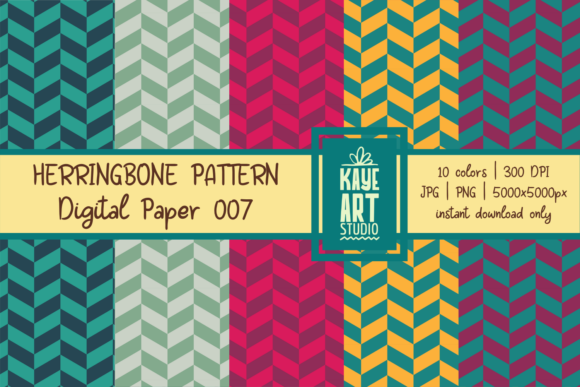
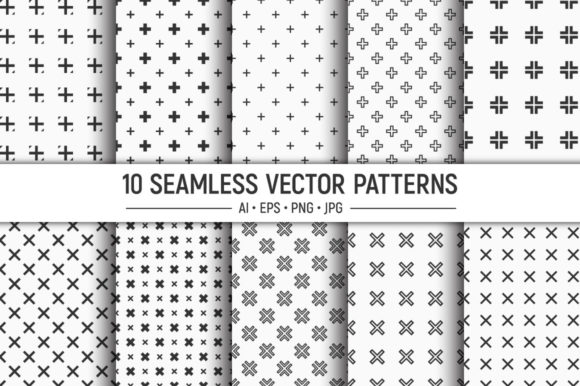
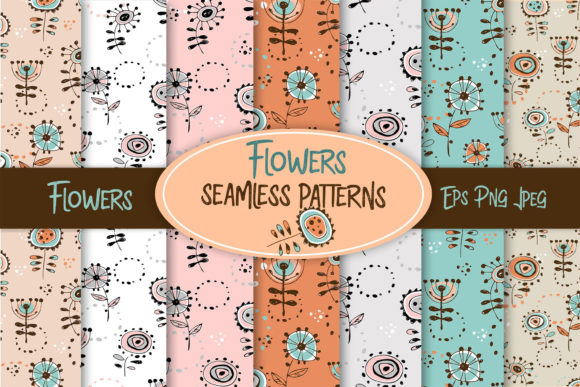
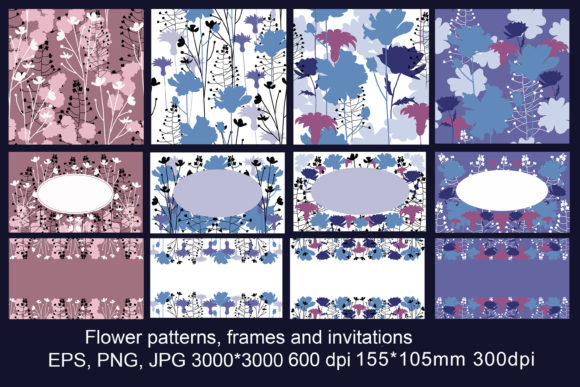
Flower Patterns is a carefully assembled collection of floral motifs, invitation frames, and integrated design assets delivered in multiple file formats. The bundle includes EPS vector files, high-resolution PNG and JPG bitmaps at 3000 by 3000 pixels with 600 DPI, plus ready-to-print postcard templates in JPG and PNG at 155 × 105 mm at 300 DPI. Four distinct sets share a similar design language, so you can mix and match files across the collection without breaking visual consistency. Whether you are producing bed linen, mugs, t-shirts, wallpaper, postcards, or invitations, these assets offer a practical foundation for both digital and print projects.
Understanding the File Formats and Resolution
Working with printed or physical products demands precise resolution and flexible file types. The EPS vector files let you scale any pattern or frame to any size without losing sharpness, making them ideal for large-format wallpaper or oversized banners. The PNG and JPG bitmaps at 600 DPI supply rich detail for close-up print runs, such as mugs or postcards, where fine floral lines must remain crisp. The postcard templates at 155 × 105 mm at 300 DPI are pre-sized for standard postcard printing, saving you the step of adjusting dimensions or worrying about pixelation. Having both vector and bitmap versions in one purchase means you can work with whichever format suits your design software and output method best.
Where Flower Patterns Fits in Your Workflow
This collection supports your process at multiple points. You might use it before a project begins, when you are gathering inspiration and base materials for a new product line. The four similar sets give you a coherent set of starting points so you don’t waste time searching for matching patterns elsewhere. During the design phase, you can import an EPS vector into Illustrator, recolor elements, resize the frame, or layer patterns to build a unique composition. After the design is final, the high-resolution bitmaps serve as print-ready assets that require minimal preparation for your print provider.
Flower Patterns also interacts smoothly with common tools. If you work in a team, sharing the EPS and PNG files across departments keeps everybody on the same page. The transparent backgrounds in the PNG files make it easy to overlay patterns on product mockups without tedious masking. The uniform DPI across the sets also simplifies your pre-press checks, because you can assume consistent quality from any file you pull from the collection.
Preparation and Organization
Before starting a project, sort the files into folders by set and format. This simple step prevents confusion when you are switching between vector and bitmap versions. Keep a master folder for the original EPS files so you can always return to editable layers. Create subfolders for recolored variations or combined compositions. Because the four sets are similar in style, you can also store them flat and rely on naming conventions—such as “Set_A_Pattern_EPS.ai” and “Set_A_Postcard_JPG.jpg”—to quickly locate what you need.
Practical Implementation Tips
Every use case benefits from a slightly different approach. Here are workflow examples for common products.
Bed Linen and Wallpaper
For large surfaces, the vector EPS files are your best bet. Open the pattern in your vector editor, adjust the tile size, and apply your own color palette to match your interior line. Because vectors scale infinitely, you can fill a full wallpaper roll without resolution loss. Export a PNG at the exact printed dimensions (ensuring 300 DPI) for your production team. The 600 DPI source files also allow scaling down with extra quality for smaller items like duvet covers.
Mugs and T-Shirts
Decorative items with curved or fabric surfaces benefit from high-resolution bitmap files. Use the 3000 × 3000 PNG or JPG at 600 DPI as the artwork layer. When you wrap the pattern onto a mug or tee, the high pixel density keeps edges smooth. For t-shirt transfers, convert the EPS to a clean vector outline if you want to preserve sharp lines after many washes. The postcard templates are not suited for mugs directly, but you can extract a pattern element from a postcard file and apply it to your product mockup.
Postcards and Invitations
The included postcard templates already match 155 × 105 mm at 300 DPI. Open the JPG or PNG, add your own text and logo, and send to print. If you need a different layout, pull an invitation frame from the EPS files and resize it to your chosen postcard dimensions. The four sets provide variety in floral placement, so you can produce a full invitation suite—save the date, main invite, RSVP card—all with a unified visual theme.
Ensuring Consistency Across Products
Because the four sets share a similar design language, you can create a cohesive brand or product line without starting from scratch each time. To maintain visual consistency, decide on a core color palette early. The EPS vectors are fully editable, so you can recolor all patterns in a set in minutes. For bitmap files, you can apply a filter or adjustment layer in Photoshop to unify tone and saturation. Always test a small print sample before committing to a large run, especially when combining patterns from different sets. Check that the floral motifs sit well together and that the scale looks balanced when applied to different product sizes.
Quality Control Steps
- Verify resolution: for any printed product, ensure your final file is at least 300 DPI at the output size. The source files exceed this, so you have headroom to downscale without quality loss.
- Check file naming: rename combined files clearly, for example “Invitation_LilacSet_CustomText.png”. This prevents error when sending to production.
- Inspire variations: use vectors to create a family of patterns by rotating or mirroring elements. This gives you extra designs without extra cost.
- Proof on substrate: for fabric items, print a small sample on the actual material. The high DPI looks different on cotton versus canvas. Adjust contrast as needed.
Long-Term Use and Reusability
Flower Patterns is more than a one-off download. The four sets give you a reusable library for ongoing projects. Build a system where you keep the original EPS files untouched, and duplicate them for each new product line. Archive the postcard templates in a master folder so you can generate new invitation series quickly by swapping text and refreshing colors. The consistent design means you can sell collections—such as “Floral Summer” or “Garden Party”—where every item shares the same floral roots. Over time, you will develop a visual vocabulary that your customers recognize, strengthening your brand identity.
If you work with print-on-demand services, the high-resolution JPGs are ready to upload without additional processing. The 600 DPI source ensures that when the platform automatically resizes your design, it retains sharpness. For ongoing use, standardize your workflow: use EPS for original design, export to PNG for mockups, and send the original bitmap to your printer. This three-file approach reduces errors and speeds up revisions.
Observations for Creators and Entrepreneurs
This bundle is built for efficiency. Instead of buying separate pattern packs and invitation frames from different sources, you get four coordinated sets that already complement each other. That means less time hunting for matching elements and more time executing your products. Business owners can treat the collection as a semi-custom design resource: with minimal editing, you can produce professional-grade items that look custom-made but cost far less than bespoke artwork.
Educators and bloggers can use the high-resolution files to demonstrate print techniques or pattern design principles. Because the assets are clean and well-resourced, they work as teaching materials for both beginners and advanced learners. Freelancers can offer clients a range of floral-themed products without creating new art from scratch, reducing project turnaround by a significant margin.
The variety of formats also makes this collection suitable for mixed media projects. Use the vectors for a logo, the PNGs for social media graphics, and the postcard templates for direct mail campaigns. All pieces will carry the same floral identity, reinforcing your message across channels.
Integrating Flower Patterns into Your Daily Routine
If you manage multiple projects simultaneously, you can build a standard starting kit. Place the four sets on your design server or cloud storage. When you need a floral element, open the folders and pick the closest match. Because the sets are similar, you often only need minor adjustments. This habit cuts down the time spent on creative exploration and lets you focus on production, pricing, and customer communication.
For planners and productivity-minded users, treat the bundle as a template library. Create a checklist for each type of product: “mug” template, “tote bag” template, “wallpaper” template. Populate these templates with a consistent pattern from the collections. Then, as orders come in, you can quickly generate proofs. The 600 DPI source files remove the need to upscale later, which often introduces artifacts.
Finally, keep an eye on file management. Label each variant you create with the set name and a brief description, such as “Set_B_Frame_Invitation_Multicolor.ai”. This practice pays off when you revisit a project weeks or months later, because you can instantly locate the exact asset you used.
Flower Patterns offers a practical, scalable solution for anyone who regularly produces floral-themed products. By combining vectors, high-resolution bitmaps, and pre-sized postcard templates in four coordinated sets, it reduces preparation time and improves output consistency. Whether you are a solo entrepreneur building a product line or a marketer preparing a campaign, these assets fit naturally into a structured workflow from concept to final print.